Django: Personal Website
Published:
This chapter explains how to build a simple Personal Website with a Homepage and an About page using Django 6. We will practice function-based views, templates, URL dispatching, context data, basic testing, and version control with Git.
In this session, we will learn:
- How to set up a new project in
project3. - How to create a Homepage with
HttpResponse. - How to create a template-based About page using
render(). - How to use the correct template structure (namespaced template path).
- How to pass context data from a view to a template.
- How to write basic tests with
SimpleTestCase. - How to track project progress using Git and GitHub.
1. Core Concepts
This chapter emphasizes three core Django foundations:
- View: a Python function that receives a request and returns a response.
- Template: the presentation layer used to generate HTML.
- Testing: behavior validation to keep code changes safe.
With these three components, we can build a clean and extensible website for the next chapters.
2. Initial Project Setup in project3
2.1 Create the working folder
# Windows
cd onedrive\desktop\pawf\django
mkdir project3
cd project3

# macOS
cd ~/desktop/pawf/django
mkdir -p project3
cd project3
2.2 Create a virtual environment and install dependencies
# Windows
python -m venv .venv
.venv\Scripts\Activate.ps1
python -m pip install Django==6.0.4 black

# macOS
python3 -m venv .venv
source .venv/bin/activate
python3 -m pip install Django==6.0.4 black
2.3 Create the project and app
django-admin startproject django_project .
python manage.py startapp pages
Register pages in django_project/settings.py:
INSTALLED_APPS = [
    "django.contrib.admin",
    "django.contrib.auth",
    "django.contrib.contenttypes",
    "django.contrib.sessions",
    "django.contrib.messages",
    "django.contrib.staticfiles",
    "pages",  # new
]
Initialize the database and run the server:
python manage.py migrate
python manage.py runserver
Open http://127.0.0.1:8000/ to confirm the project is running.
2.4 Full directory structure (after initial setup)
project3/
├── .venv/
├── db.sqlite3
├── manage.py
├── django_project/
│   ├── __init__.py
│   ├── asgi.py
│   ├── settings.py
│   ├── urls.py # update next
│   └── wsgi.py
└── pages/
    ├── migrations/
    ├── templates/ # new
    ├── __init__.py
    ├── admin.py
    ├── apps.py
    ├── models.py
    ├── tests.py
    ├── urls.py # new
    └── views.py # update next
Note: template files and folders will be used in the next section when we build the About page.
3. Homepage with a Function-Based View
Update pages/views.py:
from django.http import HttpResponse
from django.shortcuts import render


def home_page_view(request):
    return HttpResponse("Homepage")
Create pages/urls.py:
from django.urls import path
from .views import home_page_view

urlpatterns = [
    path("", home_page_view),
]
Connect it in django_project/urls.py:
from django.contrib import admin
from django.urls import include, path

urlpatterns = [
    path("admin/", admin.site.urls),
    path("", include("pages.urls")),
]
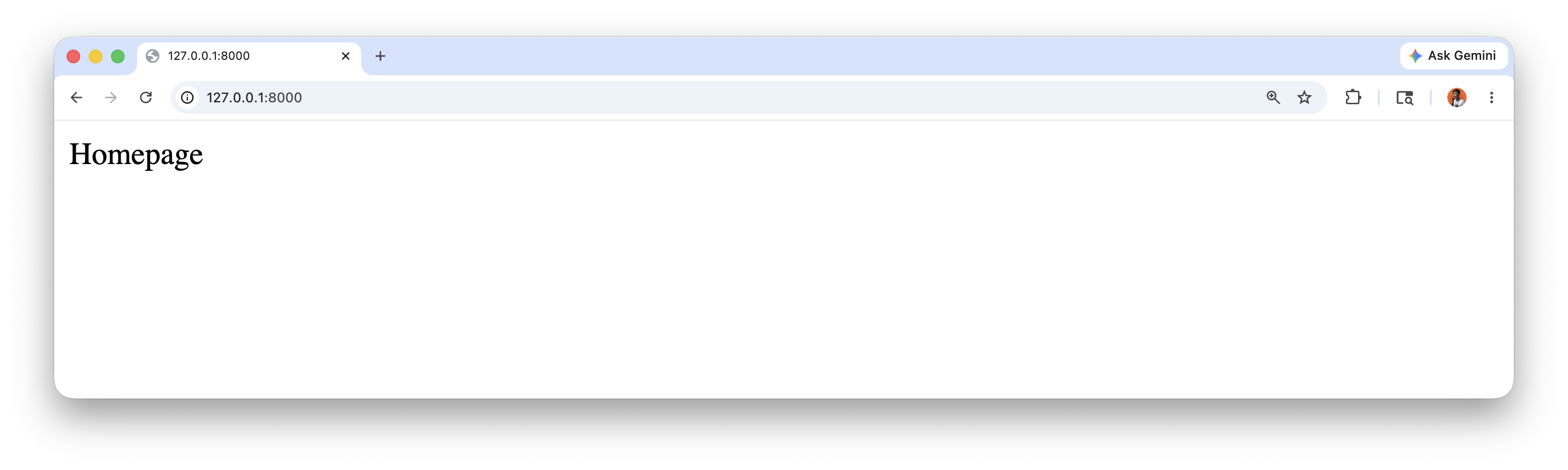
Now the / route displays Homepage.
4. About Page with a Template
Add a new view in pages/views.py:
from django.http import HttpResponse
from django.shortcuts import render


def home_page_view(request):
    return HttpResponse("Homepage")


def about_page_view(request):
    return render(request, "pages/about.html")
Update pages/urls.py:
from django.urls import path
from .views import about_page_view, home_page_view

urlpatterns = [
    path("", home_page_view),
    path("about/", about_page_view),
]
Create this template structure:
pages/
└── templates/
    └── pages/
        └── about.html
Add content to pages/templates/pages/about.html:
<h1>About page</h1>
<p>This is the first template-based About page in Django.</p>
Why templates/pages/about.html?
- It is a Django best practice to avoid template name conflicts across apps.
- Django looks up templates by name, so namespacing keeps mapping safe and explicit.
5. Django Template Language and Context
Django templates support comments, variables, filters, and tags.
Example comment syntax: start with {% comment %} and close with {% endcomment %}.
{% comment %} This comment will not appear in the browser {% endcomment %}
We can also pass data from a view to a template with a context dictionary.
Update about_page_view on pages/views.py:
def about_page_view(request):
    context = {
        "name": "Bahlil",
        "age": 49,
    }
    return render(request, "pages/about.html", context)
Update about.html on pages/templates/pages/about.html:
<h1>About page</h1>
<p>My Name is {{ name }}.</p>
<p>My Age is {{ age }} years.</p>
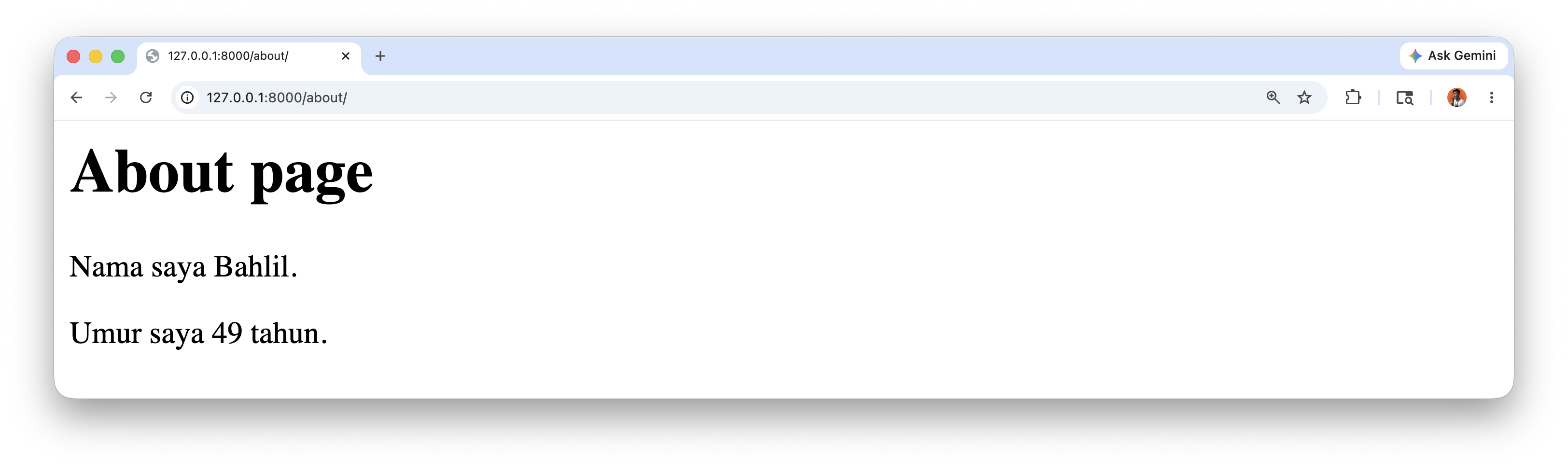
The name and age variables come from the view context.
6. Writing Basic Tests
Add tests in pages/tests.py:
from django.test import SimpleTestCase


class HomepageTests(SimpleTestCase):
    def test_url_exists_at_correct_location(self):
        response = self.client.get("/")
        self.assertEqual(response.status_code, 200)


class AboutpageTests(SimpleTestCase):
    def test_url_exists_at_correct_location(self):
        response = self.client.get("/about/")
        self.assertEqual(response.status_code, 200)
Run tests:
python manage.py test
Important note:
- Use
/about/(with a trailing slash). - If you use
/aboutin tests, you may get a301redirect instead of200.
7. Git and GitHub
Initialize Git and check status:
git init
git status
Create .gitignore:
.venv/
__pycache__/
db.sqlite3
Save installed dependencies:
pip freeze > requirements.txt
Initial commit:
git add -A
git commit -m "Add gitignore, requirements, and initial project setup"
Connect to GitHub and push:
git remote add origin https://github.com/<username>/personal-website.git
git branch -M main
git push -u origin main
8. Summary
In this third Django session, we practiced the core ideas in the local project3 setup with Django 6:
- building a Homepage and an About page,
- using function-based views and templates,
- passing context data to templates,
- writing basic URL tests,
- and setting up version control with Git and GitHub.
This foundation will be used in the next topic: class-based views, template inheritance, and more complete testing.
References
Django for Beginners by William S. Vincent